


Central Hub for Ubisoft Games
Overview
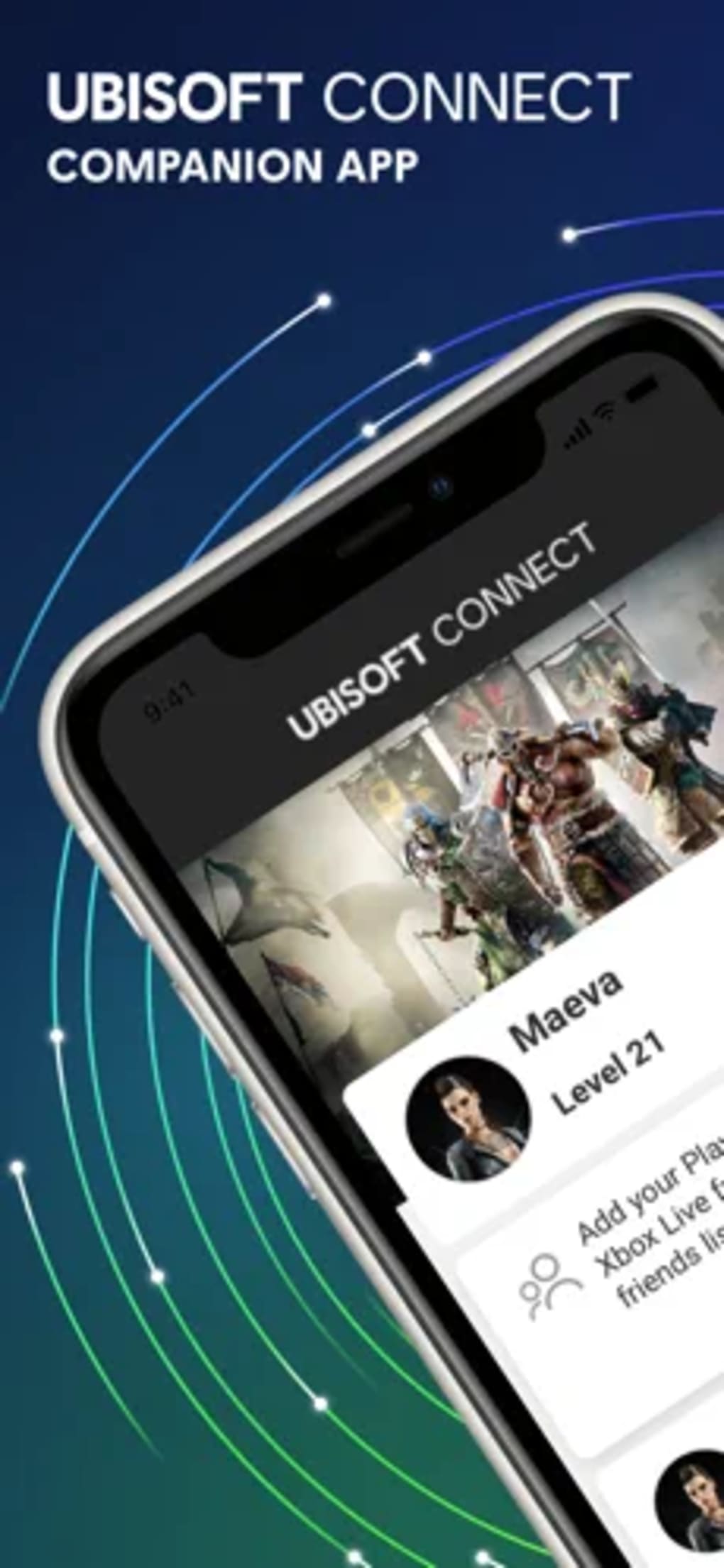
Ubisoft Connect serves as a unified platform for players who own games developed or published by Ubisoft. Designed to consolidate all Ubisoft-related services into a single interface, the app allows users to manage their game libraries, track in-game progress, and engage with a global community of players. Previously known as Uplay and Ubisoft Club, the application has evolved into a central hub for accessing game data, achievements, and exclusive rewards.
It is particularly beneficial for dedicated fans of Ubisoft’s portfolio, including franchises like Assassin’s Creed, Far Cry, Rainbow Six Siege, and Watch Dogs. The platform enables users to stay informed about new releases, participate in time-limited challenges, and unlock unique in-game items through earned XP. It also supports cross-platform connectivity, allowing users to see what friends are playing and compare performance regardless of device.
The developer did not provide additional details about the company’s background beyond the brand name. Real-world usage scenarios include managing multiple Ubisoft titles, monitoring progress across games, and maintaining a consistent experience across different devices. While the app is free to use, the absence of pricing details does not detract from its value for its target audience.
Key Features & Capabilities
- Unified Game Library – Access all Ubisoft games linked to your account from a single location, regardless of platform or purchase method.
- Progress Tracking & Achievements – Monitor in-game stats, unlock achievements, and view performance rankings compared to friends.
- Cross-Platform Connectivity – Connect with friends across different devices and see real-time updates on their gameplay activity.
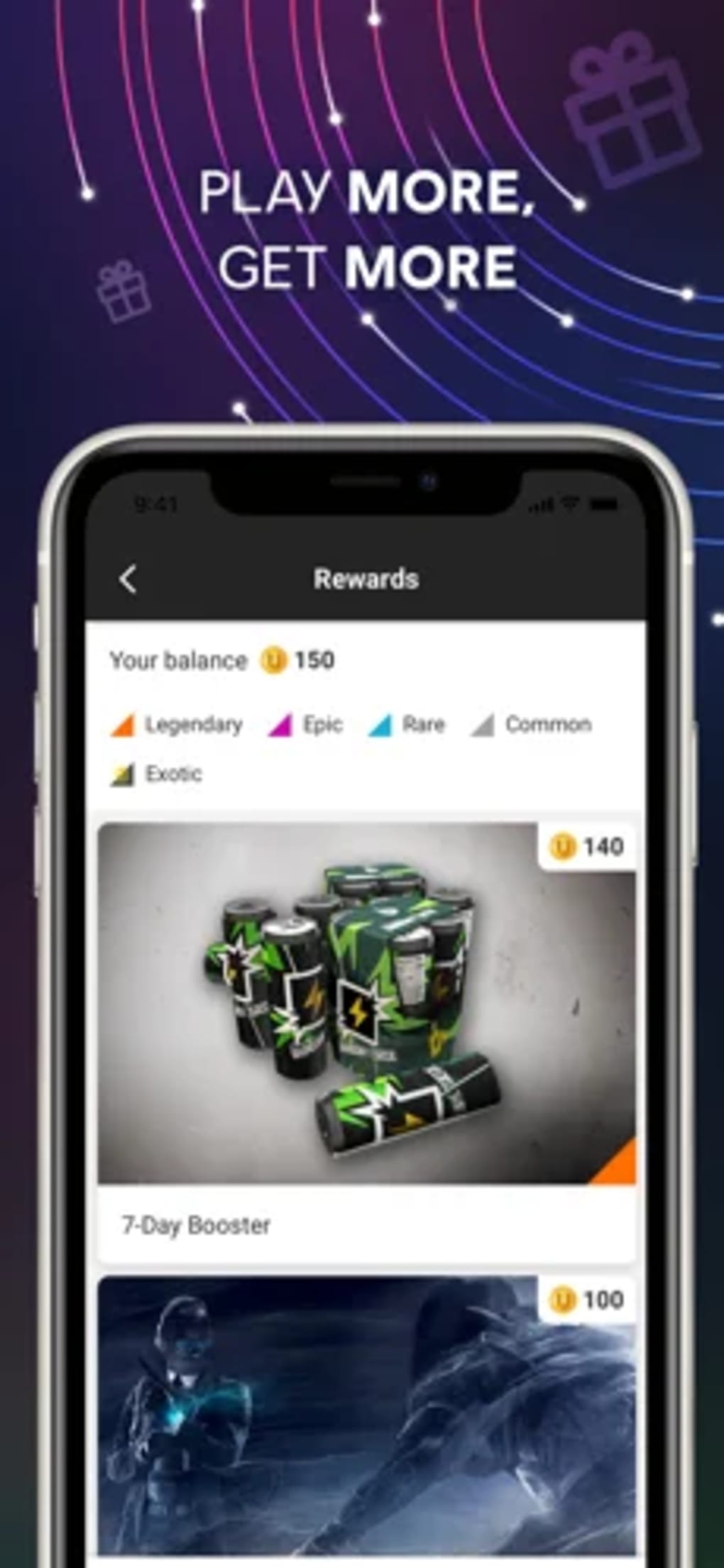
- XP & Reward System – Earn experience points by completing challenges, which can be redeemed for exclusive in-game items like outfits, emotes, and weapons.
- Early Access & Exclusive Content – Gain priority access to new game releases and participate in special events tied to Ubisoft’s titles.
- Direct In-App Purchases – Make purchases for additional content, cosmetics, or game expansions without leaving the application.
These features are ideal for players who want to deepen their engagement with Ubisoft’s ecosystem. For example, a user can track their progress in Assassin’s Creed Valhalla while simultaneously checking how their friends rank in Rainbow Six Siege. The XP system encourages consistent gameplay, while the reward structure enhances long-term motivation. The ability to access early content adds value for enthusiasts eager to play new releases.
User Interface, Workflow & Performance
The user interface of Ubisoft Connect presents a dense layout that combines multiple functionalities into one screen. Navigation involves switching between sections such as Library, Friends, Challenges, and Rewards, each with its own set of submenus. While the design aims to provide comprehensive access, it may feel overwhelming for new users due to the high volume of information displayed at once.
Workflow efficiency depends on familiarity with the app’s structure. Once users become accustomed to the layout, navigating between features becomes more intuitive. However, the interface lacks clear visual hierarchy in some areas, which can lead to confusion when searching for specific tools. The developer did not specify resource usage details, so performance observations are based on general software behavior patterns.
Stability appears to be consistent across sessions, though some users have reported occasional delays during launch. Battery consumption and memory usage are not officially documented. The application does not appear to cause system crashes under normal use, but its large file size may impact storage on devices with limited capacity.
Compatibility & System Requirements
Ubisoft Connect is compatible with both Windows and Mac operating systems. The current version, 2.0.11, requires a minimum of 372 MB of disk space for installation. The developer did not specify exact system requirements, such as CPU, RAM, or GPU specifications.
Compatibility information was partially provided. While the app supports both major desktop platforms, details about supported Windows versions (e.g., Windows 10, 11) or Mac models (e.g., Intel vs. Apple Silicon) were not listed. The application is designed as a desktop utility, and no mobile or web-based version was mentioned in the provided data.
Users should ensure their system meets general requirements for running modern desktop applications. The absence of detailed technical specifications means that compatibility may vary depending on individual hardware configurations.
Pros and Cons
Pros
- Centralized access to all Ubisoft games and related services
- Robust achievement and XP reward system for increased engagement
- Supports cross-platform friend connectivity and activity tracking
- Free to download and use with no hidden costs
- Offers early access to new game releases and exclusive content
Cons
- Interface can feel cluttered and difficult to navigate for new users
- Limited transparency regarding system requirements and performance impact
- Higher storage footprint compared to lightweight alternatives
- Reports of increased battery drain on some devices
- Less intuitive than competing platforms like Steam
FAQ Section
Is Ubisoft Connect free to use?
Yes, Ubisoft Connect is available at no cost. There are no subscription fees or mandatory purchases required to access core features.
What operating systems does Ubisoft Connect support?
Ubisoft Connect is designed for Windows and Mac desktop environments. Specific version compatibility (e.g., Windows 10, macOS Sonoma) was not provided.
Can I use Ubisoft Connect offline?
The application requires an internet connection for full functionality, including account synchronization, achievement tracking, and reward redemption.
How often does Ubisoft Connect receive updates?
Updates are released periodically to improve stability, add new features, and support new game launches. The latest version is 2.0.11, released on March 14, 2024.
Is my data secure when using Ubisoft Connect?
As a service provided by Ubisoft, user data is protected under the company’s privacy policies. However, specific security protocols were not detailed in the available information.
Final Thoughts + CTA
Ubisoft Connect stands out as a powerful tool for fans of Ubisoft’s game library, offering a centralized experience that combines game management, community engagement, and reward-driven gameplay. While its interface may present a learning curve and its resource demands are notable, the benefits of unified access and exclusive content outweigh these drawbacks for dedicated users.
For players invested in Ubisoft’s ecosystem, this application is essential for maximizing their gaming experience. It streamlines access to achievements, rewards, and cross-platform interactions—features that are hard to replicate elsewhere. Despite minor usability concerns, the platform remains a strong choice for those who prioritize Ubisoft titles.
Download Ubisoft Connect now







